If you’d like to change your WordPress favicon, first go to your WordPress Dashboard. From the Dashboard…
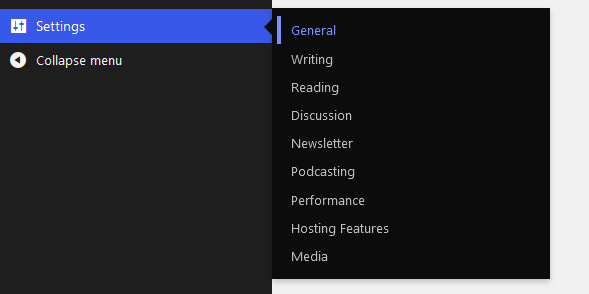
- Click Settings > General
- Underneath Site icon, click “Change”
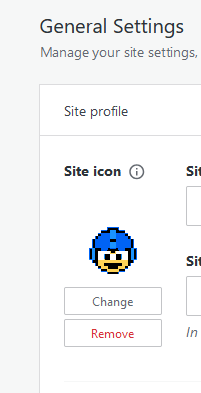
Select from your images or from your computer.
Tyler Dodge Web Dev
Crafting Modern Websites
If you’d like to change your WordPress favicon, first go to your WordPress Dashboard. From the Dashboard…
Select from your images or from your computer.

 Tyler Dodge Web Dev
Leave a comment